Trust AI with more of your technical support queue
Set what each agent can access and do, safely change how it works, and continuously evaluate performance once it’s live.
.webp)
Set what each agent can access and do, safely change how it works, and continuously evaluate performance once it’s live.











Set what each agent can see and do, who can manage it, and where human approval is required.
You choose the tools, sources, and actions each agent can access.
You decide who can run each agent and who can change how it works.
You control what each source sends into Mosaic AI, down to individual fields
You can require a person to review and approve any action before it runs.
Run agents against real support work, compare performance across versions, and keep every change reversible.
See how agents investigate, decide, and act before they touch live work.
Run the same cases through different versions and see which one performs better.
Track every change, measure its impact, and return to a previous version whenever needed.
See how agents behave in production, trace decisions back to their sources, and use scoring and rep feedback to make each version better.
Automatically evaluate agent work and surface opportunities to improve.
See the evidence behind each response so reps can quickly verify how the agent got there.
Rep feedback becomes new knowledge that helps correct future answers and improve similar cases.
See how Mosaic protects your data with enterprise-grade security, access controls, and encryption. Review our compliance standards, policies, and monitoring practices in our Security & Trust Center.
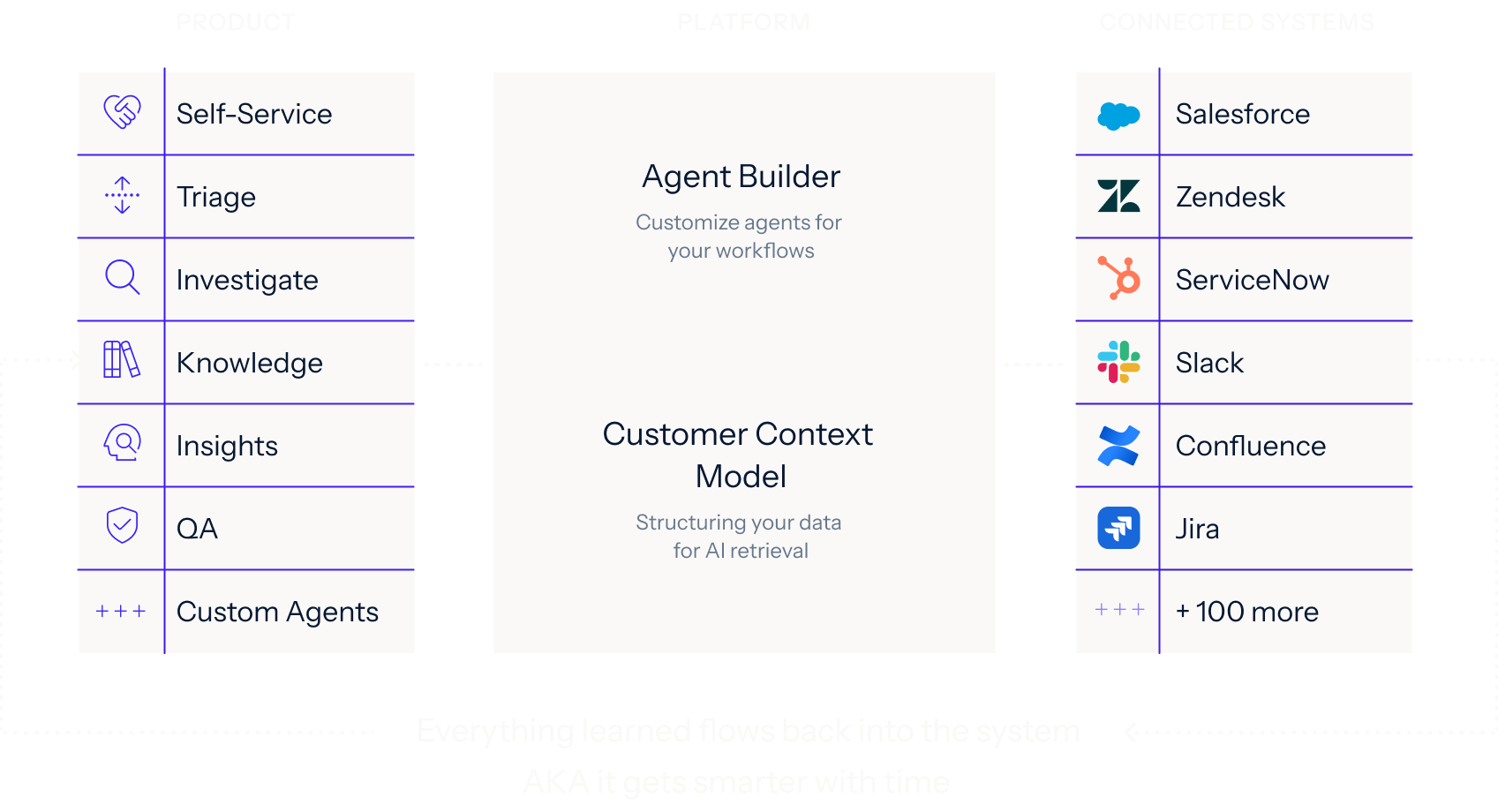
Mosaic AI runs every support workflow on one shared framework: Agent Builder plus the Customer Context Model, connected to your stack once.
Learn more.webp)
We’ll analyze a sample of your real cases, identify where Mosaic can have the greatest impact, and show how it would work in your current support stack.