Move every case toward resolution faster, with full context.
Automatically triage complex cases, gather what’s missing, resolve what you can, and pass the rest on with the investigation already attached.
.webp)
Automatically triage complex cases, gather what’s missing, resolve what you can, and pass the rest on with the investigation already attached.











From missing information at intake to rerouting and repeated investigation during escalation, Mosaic AI reduces the manual work that slows complex cases down.
Cases arrive classified, enriched, and with the information needed to act, so reps can start resolving instead of sorting through the basics.
Use your rules, customer data, case history, and confidence thresholds to move the right cases forward without manual triage.
Every handoff carries the summary, evidence, and work already done, so the next team can pick up the case without retracing steps.
Bring together the case, customer, product, entitlement, history, and relevant support data before deciding what happens next.
Populate what Mosaic AI already knows and ask for the missing details needed to keep the case moving.
Use your support rules and case context to prioritize, resolve, route, or flag the case for review.
Pass along the summary, evidence, and investigation so the next team can continue without starting over.
Consistent categories, severity, product, and version on every case, without manual tagging.
Spot when a case is missing the information needed to move forward and ask for it before a rep has to chase the customer.
When the answer is clear and your rules allow it, respond automatically and keep the case from entering the queue.
Tier 2 and engineering inherit the investigation instead of starting from the customer's first message.
Choose which cases Mosaic can route or resolve automatically, which need approval, and which should always stay with a person. Set confidence thresholds, customer exceptions, and workflow rules so automation expands at your pace.
Book a demo“We have been able to scale and keep up with the demands without having to add a significant amount of headcount. With basically the same size team we had last year, we’ve made improvements.”



Connect your systems once, then build agents for any workflow on one shared framework. Every agent uses the same data, integrations, and controls, so you can expand without adding another point solution.
Learn more.webp)
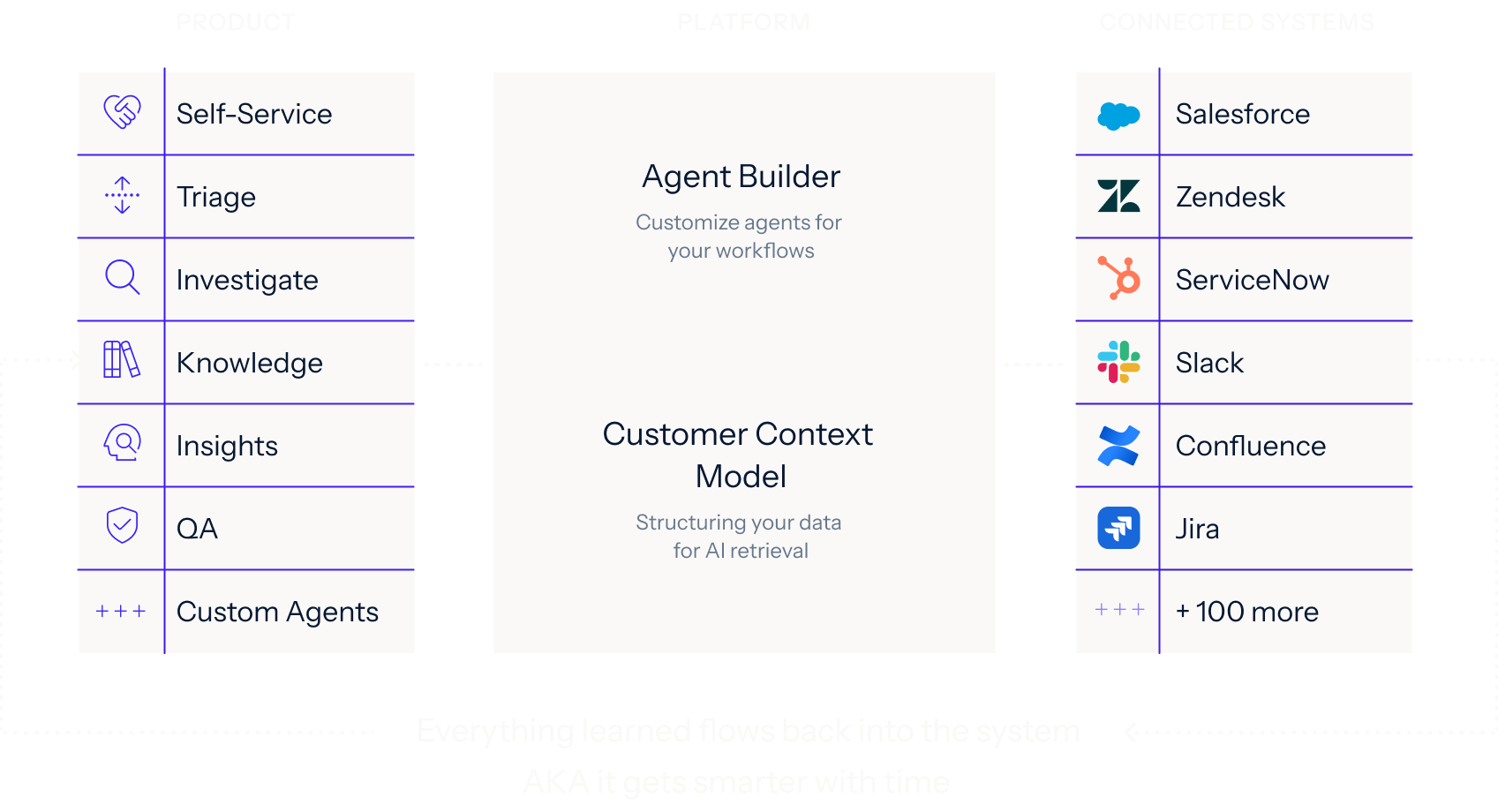
We analyze your real case data, at no cost, to find where time, effort, and spend accumulate, what can be automated, and how much it would lower your cost to serve.
You get a live environment built for your top use cases, running on your own systems, using your own case history. You see the result before you sign anything.
Deployed on top of Salesforce, Zendesk, and the rest of your stack. No migration, no developer resources, deployment expertise included.
See how Mosaic protects your data with enterprise-grade security, access controls, and encryption. Review our compliance standards, policies, and monitoring practices in our Security & Trust Center.
Sit amet consectetur, voluptatum iaculis etiam, non illa felis quaerat noster adipiscing quas, ex fuga ut etiam culpa ad ubi sunt.
Sit amet consectetur, voluptatum iaculis etiam, non illa felis quaerat noster adipiscing quas, ex fuga ut etiam culpa ad ubi sunt.
Sit amet consectetur, voluptatum iaculis etiam, non illa felis quaerat noster adipiscing quas, ex fuga ut etiam culpa ad ubi sunt.
Sit amet consectetur, voluptatum iaculis etiam, non illa felis quaerat noster adipiscing quas, ex fuga ut etiam culpa ad ubi sunt.
Bring us real cases and we'll show how to cut the time lost between teams by keeping full context with every case.