Automate knowledge

Automatically discover and close knowledge gaps

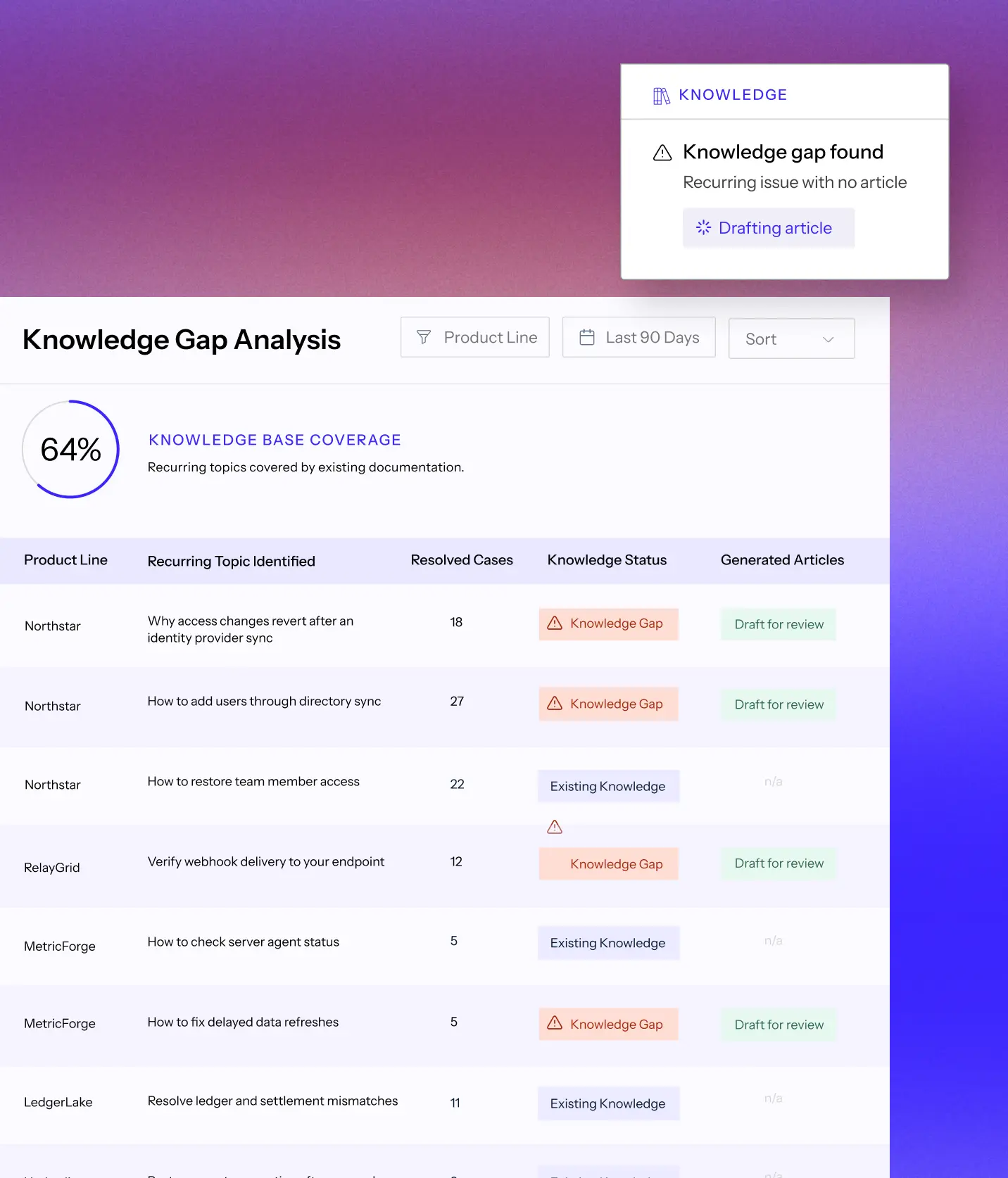
Most knowledge tools help you write. Mosaic AI tells you what to write by analyzing resolved cases, ranking gaps by case volume, and turning your team’s previous case resolutions into review-ready articles.

See how it works

Your knowledge base is always behind

The answers to your hardest cases live in solved tickets and senior reps’ heads. When those answers never become reusable knowledge, the same issues return as new cases and escalations.

Give knowledge teams a clear backlog

Replace one-off requests and guesswork with a ranked view of what support needs documented next.

Capture expertise without 
adding work

Turn the hard work already happening to resolve cases into reusable knowledge for your whole support team, automatically.

Stop the next case before it starts

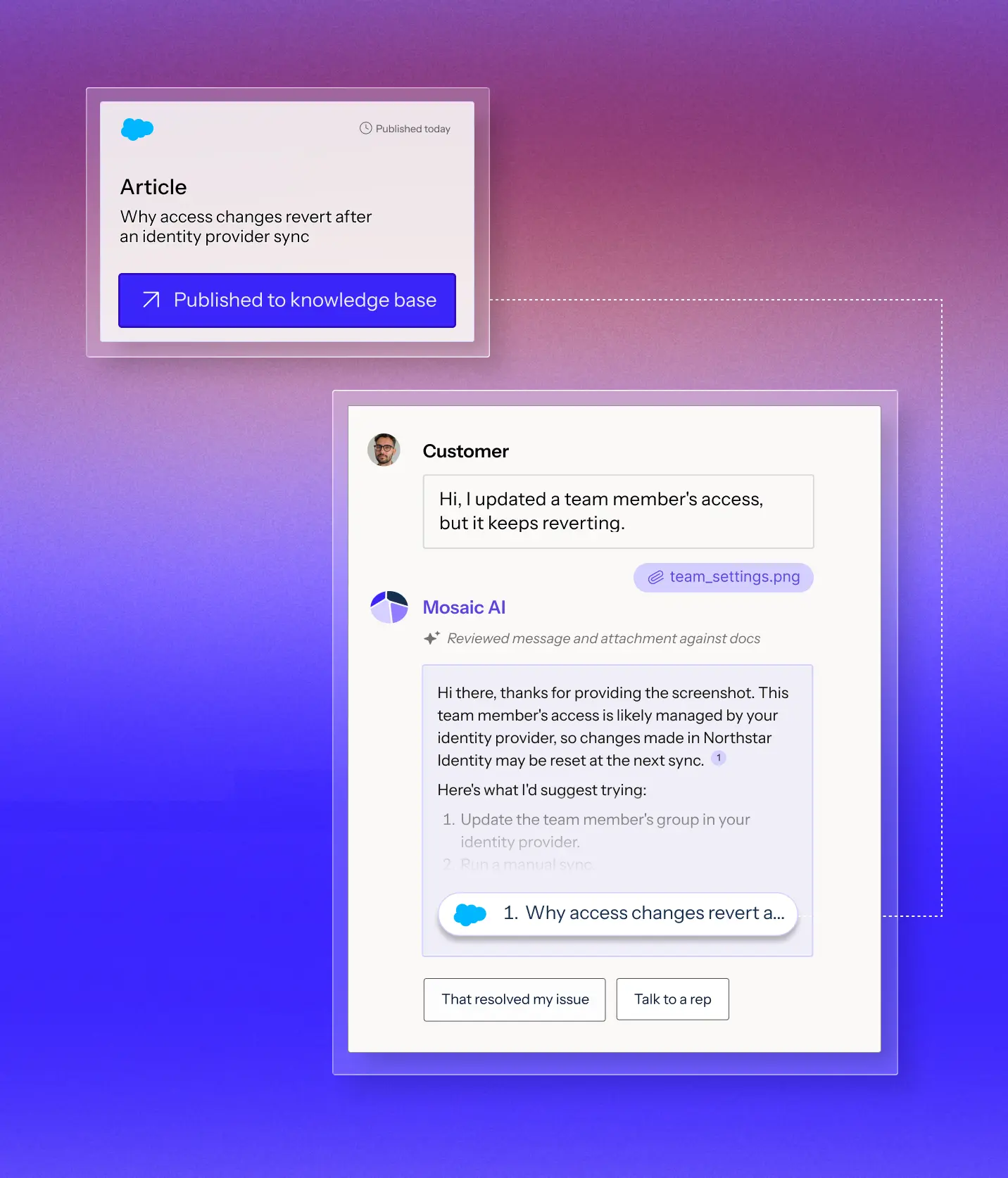
Put proven answers where customers and reps already look, so they do not have to solve the same problem again.

From solved cases to published knowledge

Book a demo
1

Group solved cases

Cluster resolved cases by underlying issues and product lines to see what is recurring and worth documenting.

2

Detect gaps

Compare each issue against your existing knowledge base to find what is missing.

3

Draft from resolutions

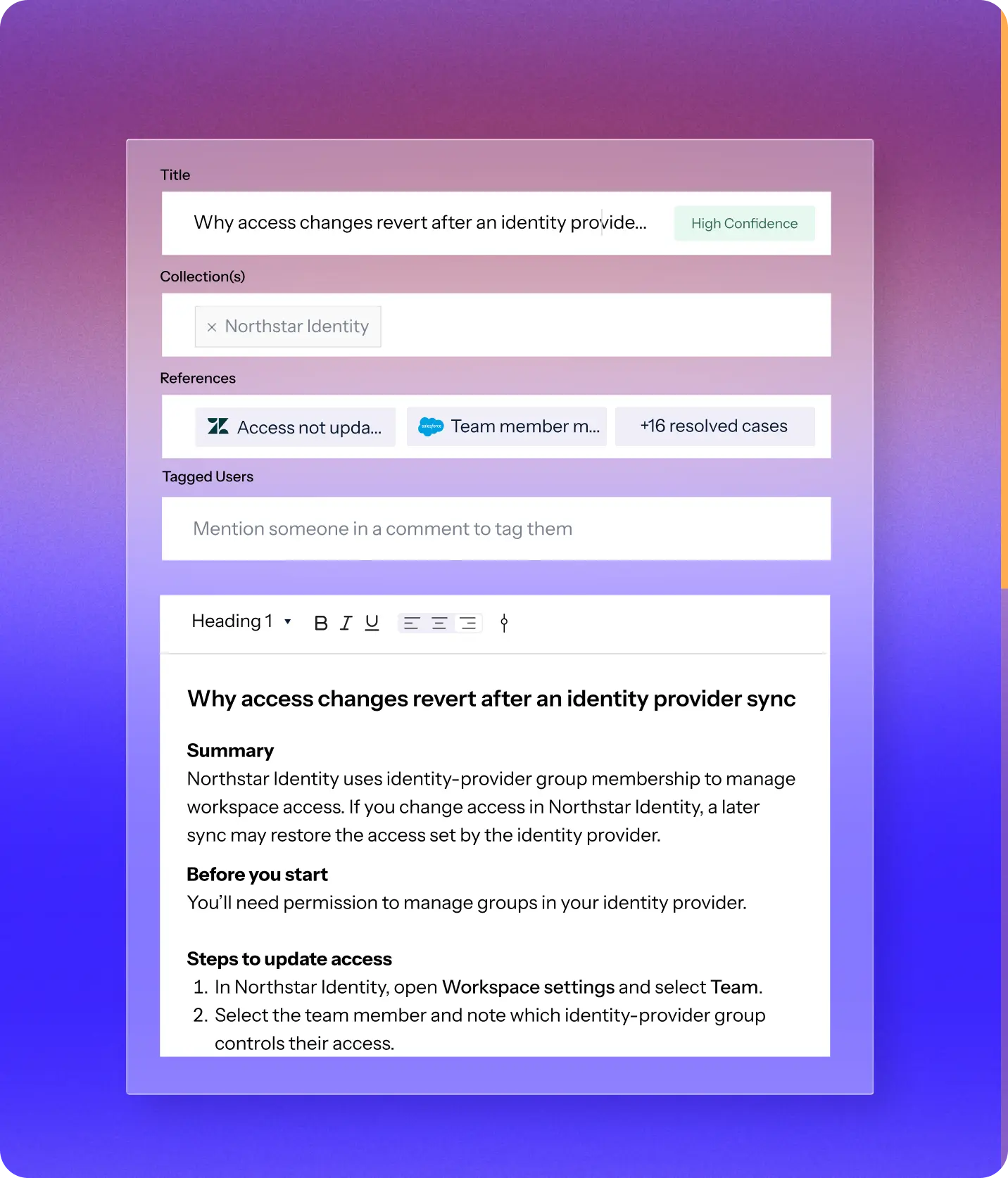
Create a cited article from how your team actually solved the issue.

4

Review and publish

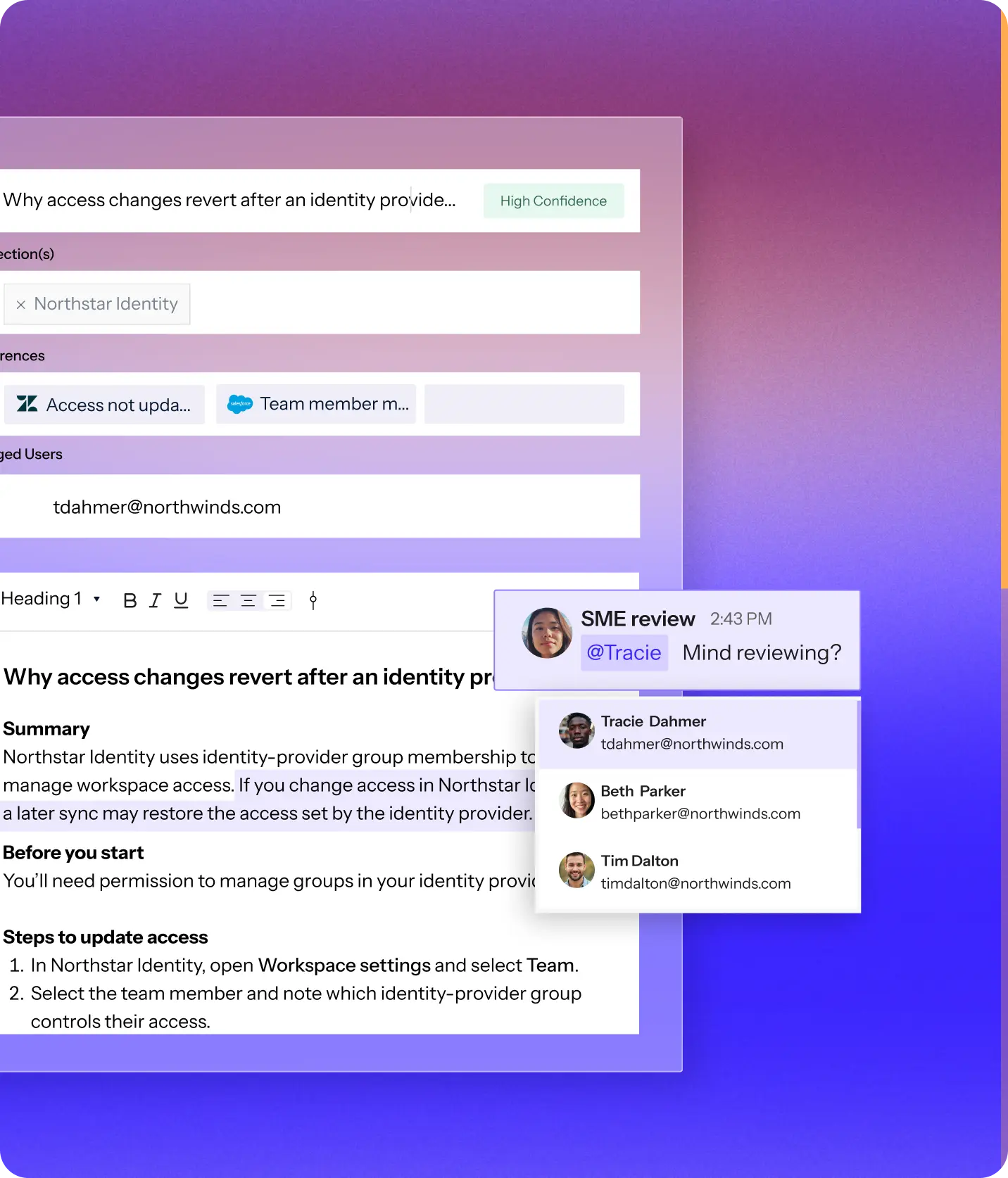
Route the draft to the right expert for final review before it reaches your knowledge base.

Trusted by technical support teams at

Real results from technical support teams

“We scaled our Mosaic AI deployment from production pilot to full adoption across multiple business units in under 10 weeks.”
President and GM, AssetWorks
39%
lower cost to serve across AssetWorks' support organization
Read the case study
“We see plenty of opportunities where it’s going to help us streamline our customer interactions and make us more efficient and effective.”
SVP Customer Success, Rapid7
35%
more capacity across Rapid7’s frontline teams as Mosaic expanded from support to CS and Sales Engineering.
Read the case study
“We have been able to scale and keep up with the demands without having to add a significant amount of headcount. With basically the same size team we had last year, we’ve made improvements.”
Senior Vice President, Point of Rental
96%
of 3,000+ self-service sessions ended without a case
Read the case study
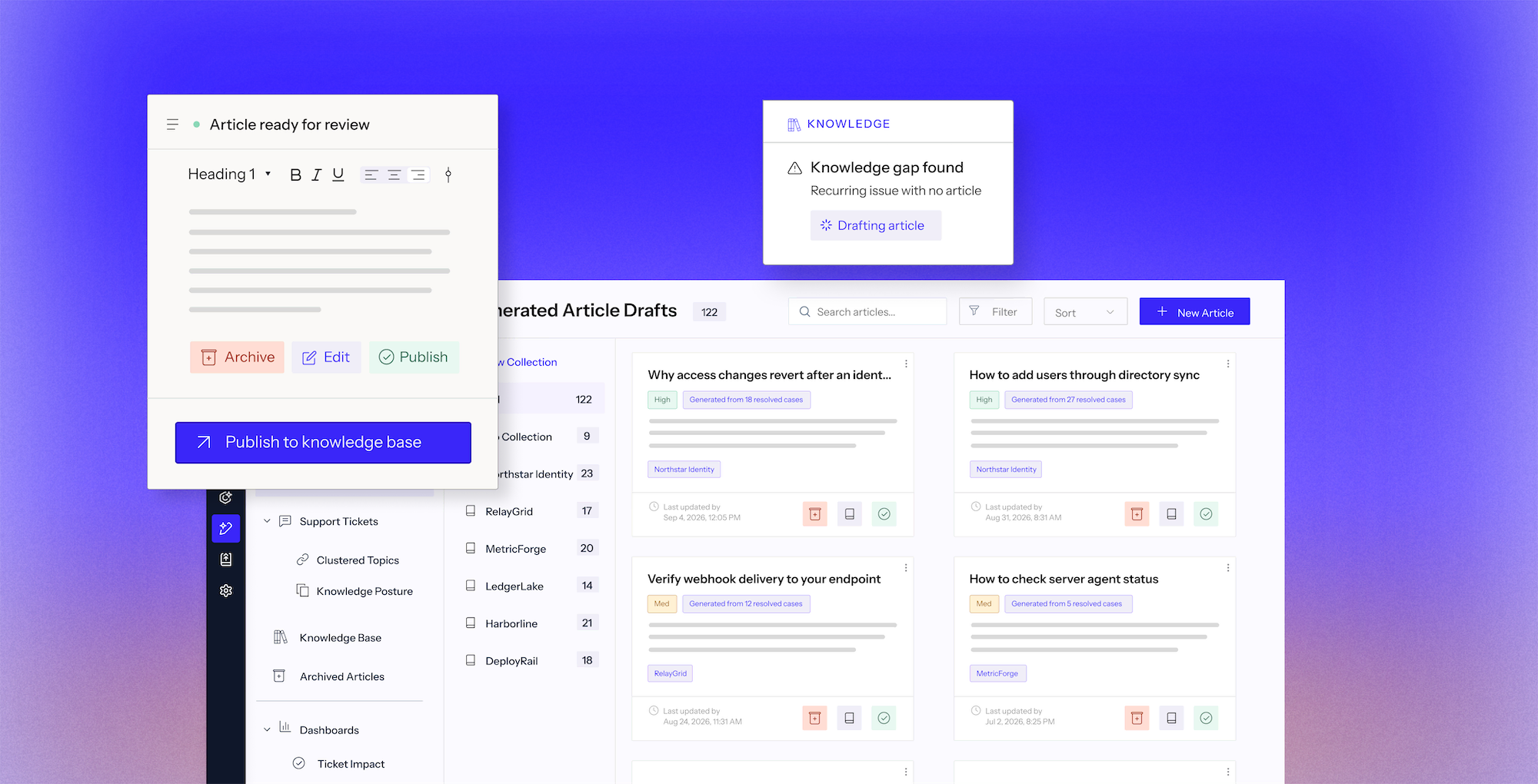
Dashboard titled Knowledge Gap Analysis shows 64% knowledge base coverage with a progress bar. A table lists product lines, recurring topics, resolved cases, knowledge status, and generated articles. Northstar Identity has knowledge gaps on access changes and user additions with drafts for review, but existing knowledge on restoring team member access. RelayGrid and MetricForge show some knowledge gaps with drafts; MetricForge, LedgerLake, and Harborline show existing knowledge without articles. A popup notes a knowledge gap found with a recurring issue and a drafting article status.User interface displaying a knowledge draft titled 'Why access changes revert after an identity provider sync' with a high confidence label. It belongs to the collection 'Northstar Identity' and references include access updates, team member management, and 16 resolved cases. Below is a summary explaining that Northstar Identity uses identity-provider group membership to manage workspace access, and changes may be overwritten by later syncs. It notes permission is required to manage groups in the identity provider and outlines steps to update access by opening Workspace settings, selecting Team, and identifying the controlling identity-provider group for a team member.Screenshot of a digital workspace showing a document titled 'Why access changes revert after an identity provider...' with summary and steps to update access. The document discusses Northstar Identity and permissions for managing workspace access. A sidebar chat shows a message from SME review asking @Tracie to review, with contact cards for Tracie Dahmer, Beth Parker, and Tim Dalton, each showing name, email, and profile picture.

Human-in-the-loop review

Groups cases by issue and product, ranks them by volume, and checks existing knowledge to find the gaps.

Drafts from solved resolutions

Turns case comments and proven resolutions into cited drafts, with every source case linked.

Keeps content current

Routes drafts to the right experts, tags teammates, and edit formatting before anything is published.

Publish into the systems you already use

Approved articles go directly to your knowledge base, powering self-service and rep assist.

Connects to your data wherever it lives

Connects to 100+ integrations. Start indexing your full support stack within weeks. No data migration. No engineering required.

+100

One platform for every support use case

Connect your systems once, then build agents for any workflow on one shared framework. Every agent uses the same data, integrations, and controls, so you can expand without adding another point solution.

Learn more
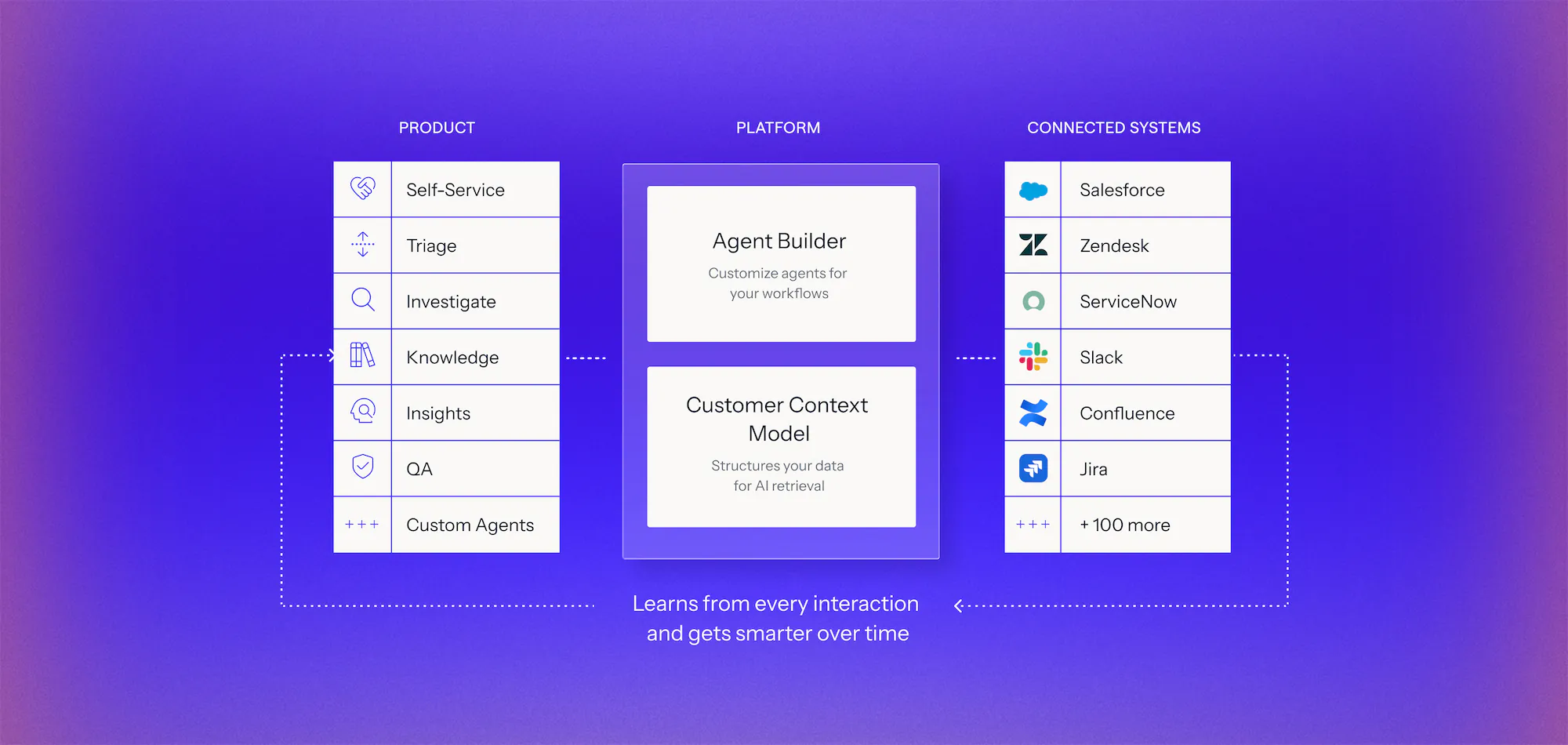
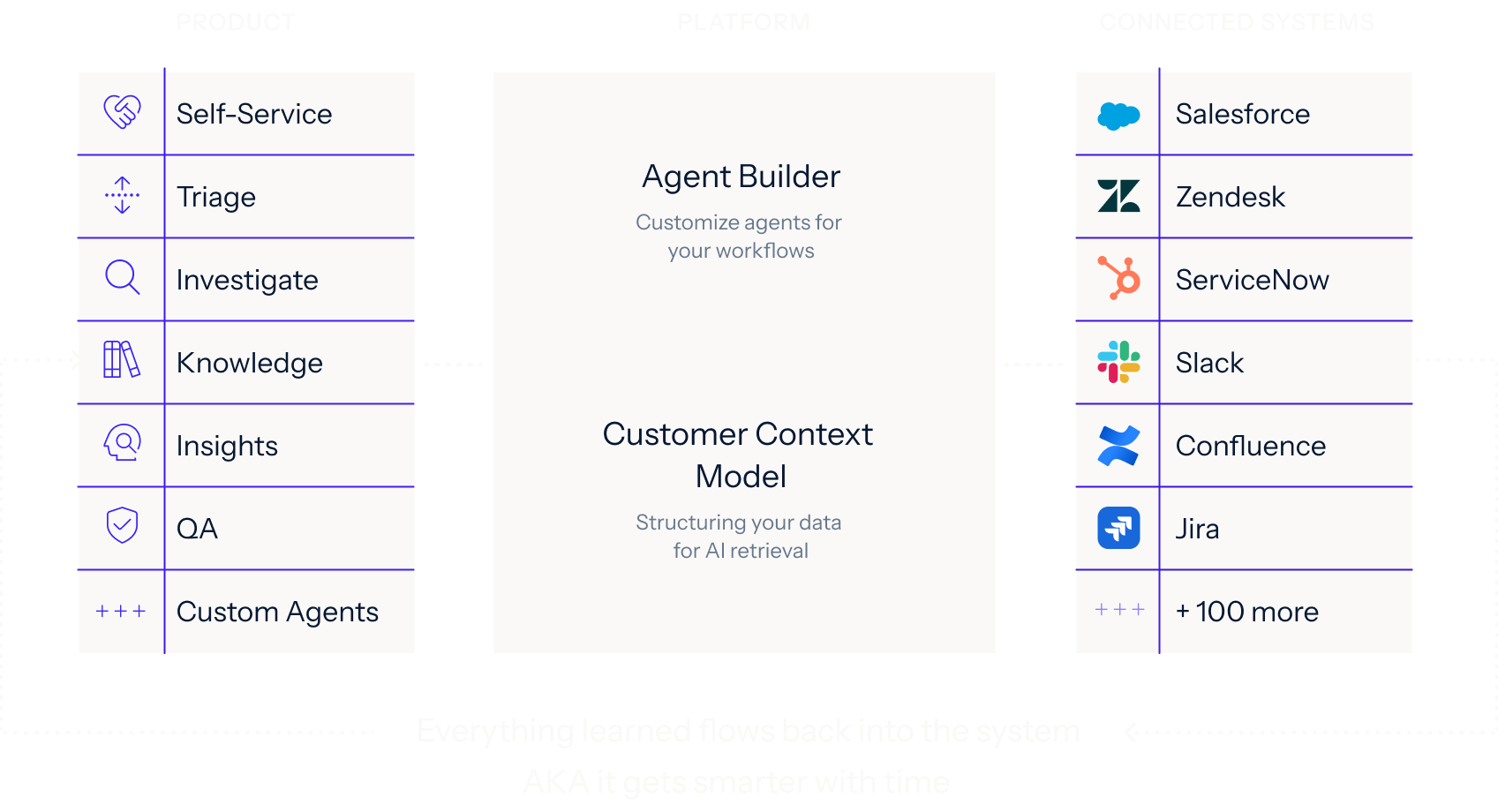
Diagram of an AI platform architecture with three columns: Product features including Self-Service, Triage, Investigate, Knowledge, Insights, QA, and Custom Agents; Platform components with Agent Builder to customize agents and Customer Context Model for structuring data; Connected Systems listing integrations like Salesforce, Zendesk, ServiceNow, Slack, Confluence, Jira, and over 100 more, with dotted arrows showing the platform learns from every interaction and improves over time.Diagram showing three columns labeled Product, Platform, and Connected Systems. Product column lists Self-Service, Triage, Investigate, Knowledge, Insights, QA, and Custom Agents with icons. Platform column features Agent Builder for customizing agents and Customer Context Model for structuring data for AI retrieval. Connected Systems column lists integrations like Salesforce, Zendesk, ServiceNow, Slack, Confluence, Jira, and mentions 100 more. Arrows indicate data flow between columns and note that everything learned flows back, making the system smarter over time.

See it work on your cases before you commit

Book a demo
  1. 1. Discover

    We analyze your real case data, at no cost, to find where time, effort, and spend accumulate, what can be automated, and how much it would lower your cost to serve.

  2. 2. Prove

    You get a live environment built for your top use cases, running on your own systems, using your own case history. You see the result before you sign anything.

  3. 3. Go live in weeks

    Deployed on top of Salesforce, Zendesk, and the rest of your stack. No migration, no developer resources, deployment expertise included.

Frequently asked questions

How does Mosaic AI know what our knowledge base is missing?

Mosaic AI analyzes the cases your team resolves. Knowledge uses those insights to group recurring topics. When a topic keeps generating cases but no article covers it, or the article that exists did not prevent the case (that is a gap). Those two signals tell you exactly what to write next, ranked by how much volume it would remove.

Where does the content come from? Is it just AI-generated?

It comes from your own resolutions, not the internet. Knowledge drafts from work your team already did: previously resolved cases, developer docs, Slack threads, and existing documentation, and cites every source. That's why it holds up in complex, multi-product environments.

How does Knowledge handle multiple products and versions?

This is what Mosaic AI is built for. Every article is structured and tagged against the Customer Context Model, which knows the product it applies to.

What results do teams see from automated knowledge?

By automating repetitive tasks like tagging, call notes, and FAQ updates, AI frees up time and speeds up ticket resolution.

How is this different from the AI in Zendesk or Confluence?

Confluence's AI helps you write and organize the content you already have, but it doesn't analyze your ticket queue to tell you what's missing. Zendesk has added its own gap-detection and ticket-to-article drafting, but it stays inside Zendesk's world. Mosaic AI's Knowledge runs on the same platform as Self-Service and Assist, so every article it publishes immediately starts deflecting cases and assisting reps, and every new case feeds back into what Knowledge drafts next. That compounding loop across all three, not gap-detection alone, is what a single add-on can't reproduce.

See what your knowledge base is missing

We’ll analyze a sample of your resolved cases, uncover the gaps behind repeat issues, and show what to document first based on case volume.