Agents built around how your support team works
Turn the workflows your best engineers follow into production-ready agents that investigate, troubleshoot, act, and escalate across your systems.
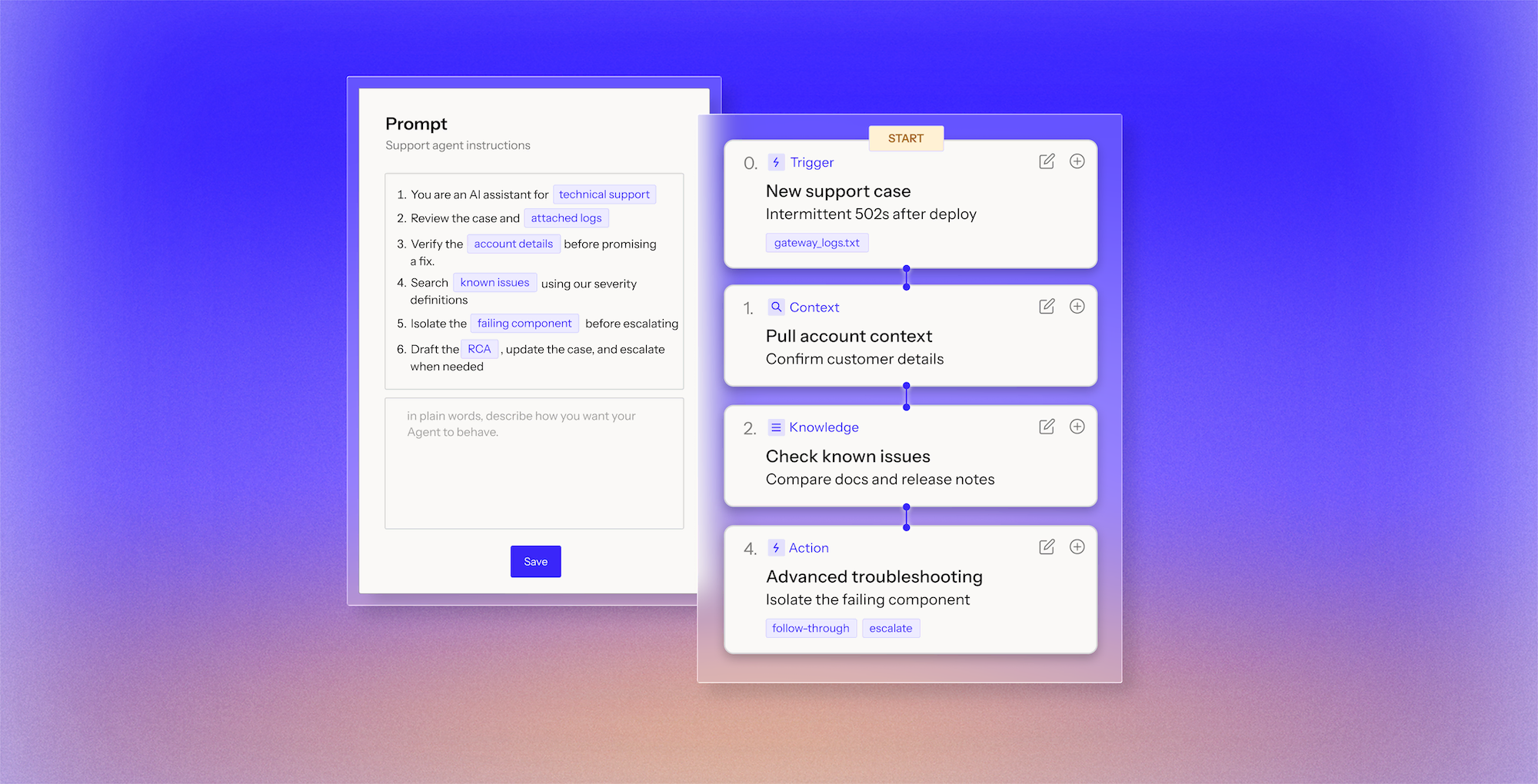
Turn the workflows your best engineers follow into production-ready agents that investigate, troubleshoot, act, and escalate across your systems.











Turn how your team investigates, decides, acts, and escalates into a workflow you can read, change, and deploy without engineering resources.
Read and act across Salesforce, Zendesk, Jira, Slack, observability tools, databases, knowledge sources, and 100+ other systems.
Search knowledge, query SQL, analyze files, execute code, call APIs, or use MCP tools as part of the investigation.
Use the model that performs best for each agent and change it without rebuilding the workflow.
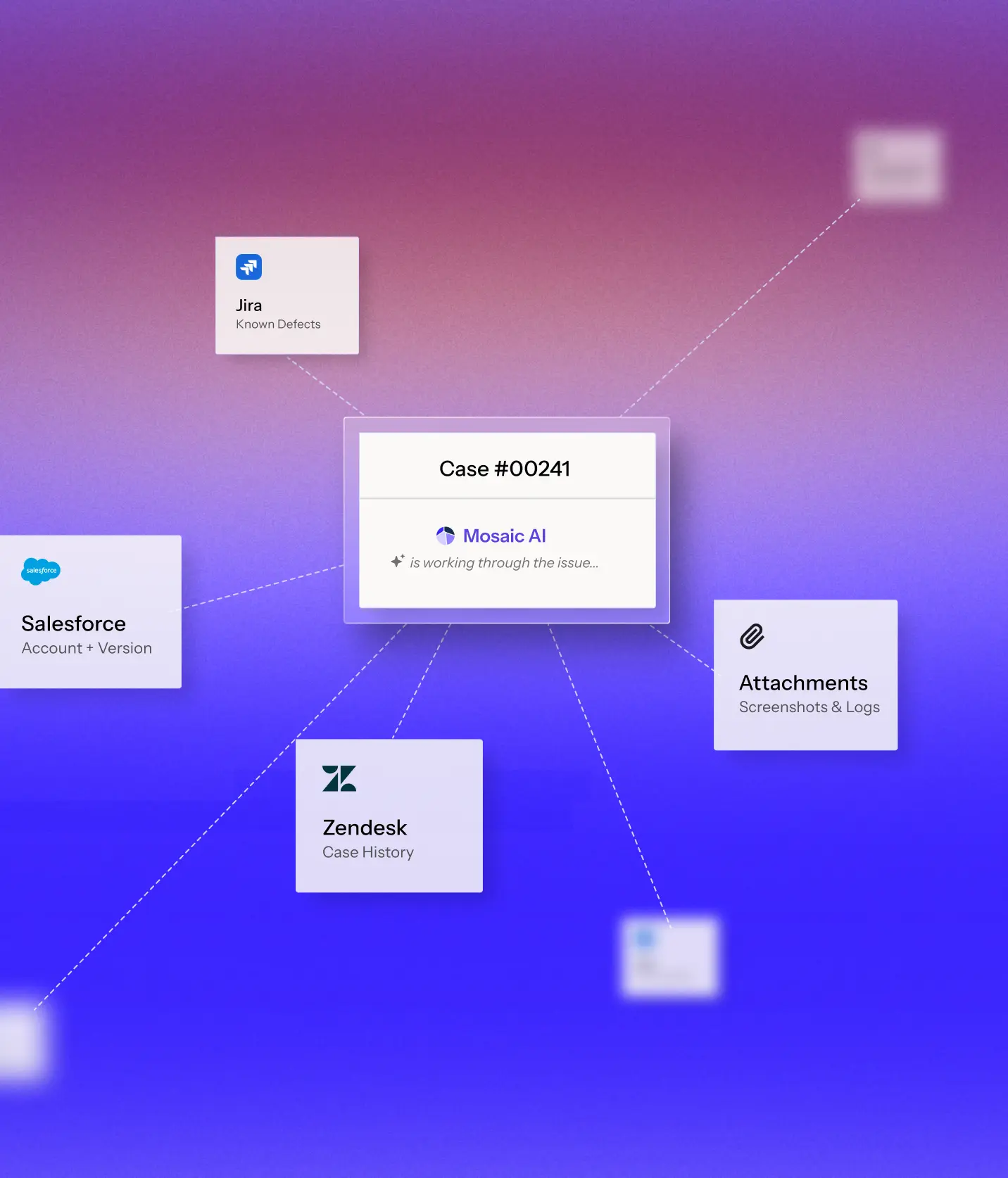
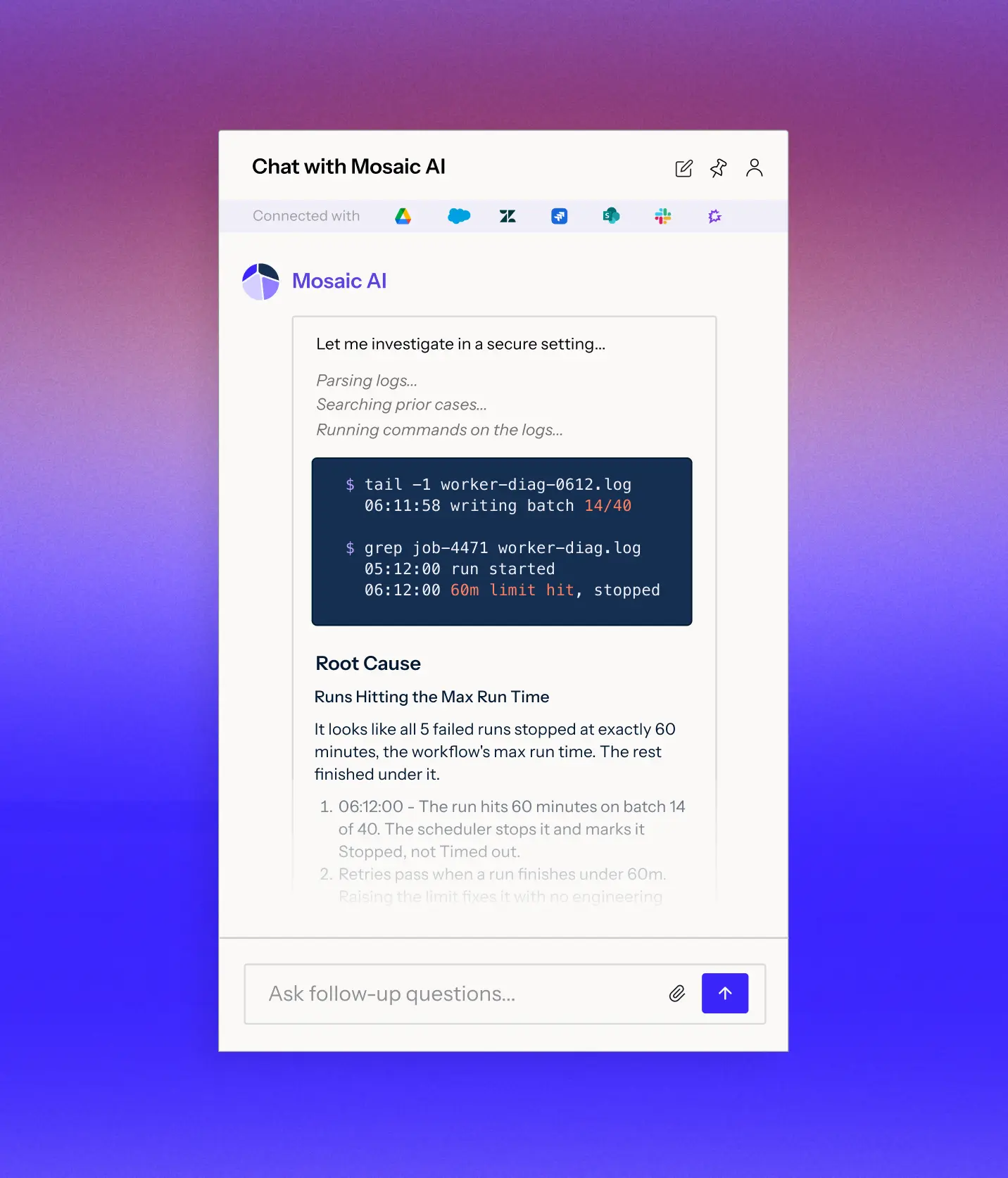
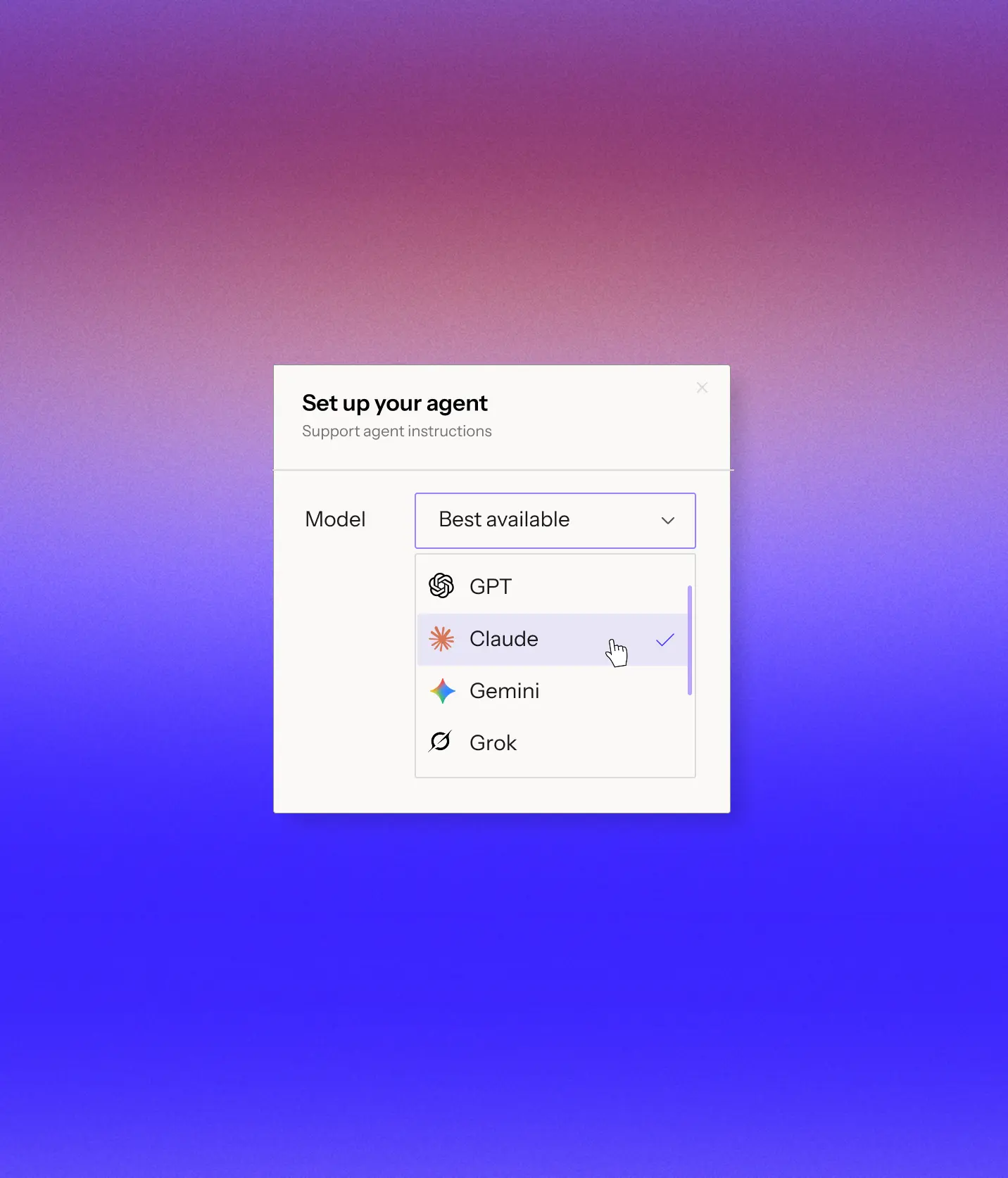
Behind every workflow, Mosaic AI manages how agents use context, tools, and models so multi-step technical support investigations stay accurate, fast, and efficient as they scale.
Use sub-agents, isolated context windows, and parallel execution to investigate across systems without one ever-growing chain of tool calls.
Preserve useful findings and keep unnecessary intermediate data from overwhelming the investigation, so the agent can stay focused on what matters.
Tie findings back to the cases, logs, defects, and records that produced them so the agent can act on evidence instead of a confident guess.
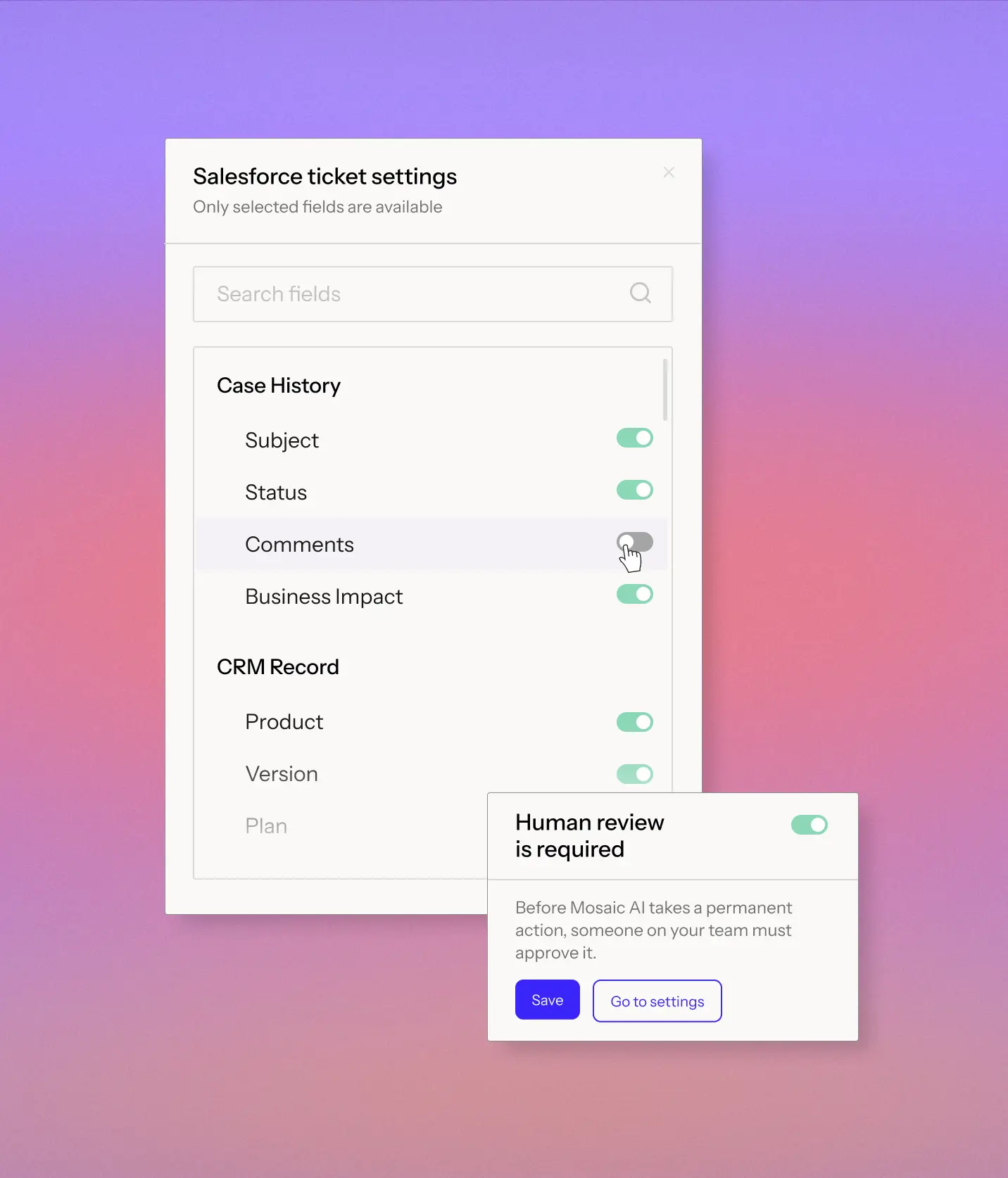
Set what each agent can do, what systems and data it can use, and the operating rules it follows as it works a case.
Mosaic AI works through the Chrome extension alongside your support stack, so reps can investigate and act without switching workspaces.
Define the systems, records, and actions available to each agent.
Give agents the same operating policies your team already follows.
Once an agent is ready, deploy it wherever the work happens.
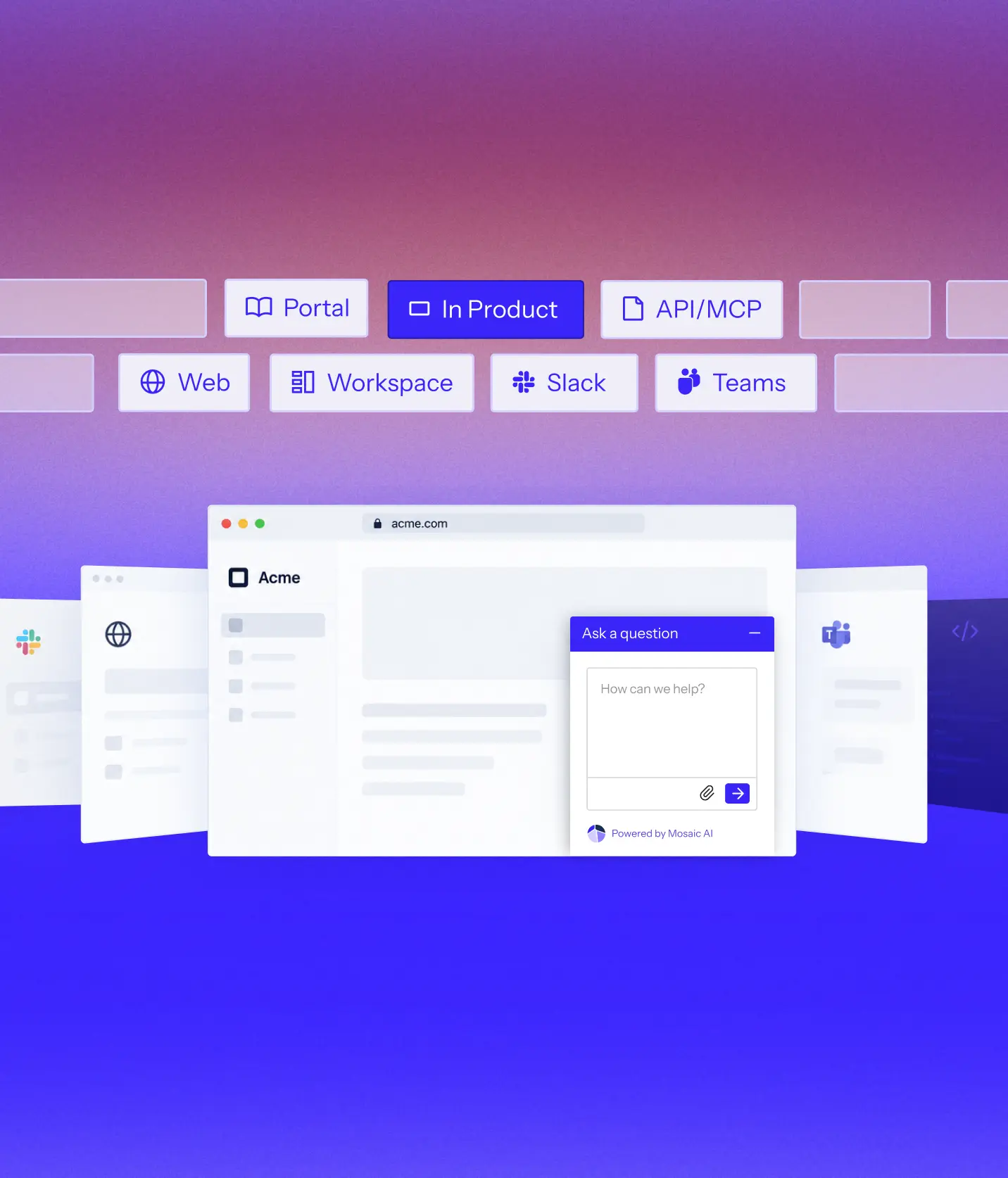
Agents investigate and act while reps work in Salesforce, Zendesk, Jira, or ServiceNow.
Deploy agents inside your product, support portal, help center, email, or other customer-facing experience.
Trigger an agent automatically from a new case, alert, account event, or workflow.
“We scaled our Mosaic AI deployment from production pilot to full adoption across multiple business units in under 10 weeks.”



We analyze your real case data, at no cost, to find where time, effort, and spend accumulate, what can be automated, and how much it would lower your cost to serve.
You get a live environment built for your top use cases, running on your own systems, using your own case history. You see the result before you sign anything.
Deployed on top of Salesforce, Zendesk, and the rest of your stack. No migration, no developer resources, deployment expertise included.
A no-code AI Agent Builder allows business users to create AI agents without engineering resources, using prebuilt workflows and simple configuration.
Agentic AI describes AI agents that can reason, take actions, and follow multi-step workflows. In support, they automate tasks like ticket triage, escalation, and knowledge retrieval.
Mosaic AI's Agent Builder connects to your enterprise stack (Salesforce, Zendesk, Slack, Confluence, etc.) and lets you design AI agents that automate workflows in minutes.
Unlike Q&A bots that only answer questions, AI agents can complete tasks, orchestrate workflows, and trigger actions across systems.
AI agents can summarize tickets, escalate bugs, update CRM records, create onboarding prompts, and even run custom playbooks.
Large language models (LLMs) give agents reasoning and language understanding, enabling them to follow complex processes while adapting to context.
Benefits include faster resolution, fewer escalations, and higher CSAT. Limitations can include governance setup, data preparation, and ensuring AI outputs are accurate.
Most agents can be built and deployed in minutes using Mosaic AI's builder and role-specific templates.
Mosaic AI was built AI-native for customer-facing teams, with 100+ integrations, secure governance, and role-specific templates.
Support, Success, and Sales teams use Mosaic AI to automate repetitive tasks, reduce escalations, and improve customer experiences.
We’ll analyze a sample of your real cases, identify where Mosaic can have the greatest impact, and show how it would work in your current support stack.